Lightroom Preset Paket

Lightroom Presets for Portraits

$14.99

  • Edit portrait images easily and quickly on your smartphone.
  • The Lightroom CC App required to use this package is FREE and available for iOS and Android
  • The presets are easy to use. With one click, your photos are instantly edited.

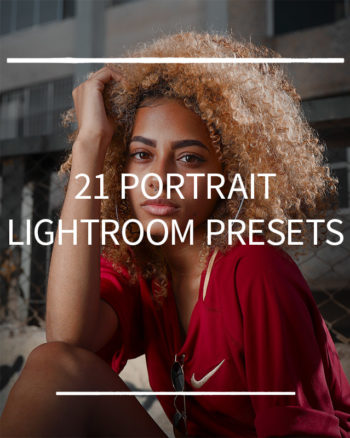
This bundle contains my 21 favorite presets that I use to quickly edit portraits (@marcbaechtold) . They are suitable for all skin types and for for both indoor and outdoor photographs.

Before imageAfter image

For more examples, see the description below.

Instant download nach erfolgreicher Zahlung · einmal kaufen · kein Abo

Instant downloadAfter successful payment
Digital packReady for your workflow
No subscriptionOne-time purchase

Description

Install Lightroom Presets:

  1. After the purchase you will see the download link on the confirmation page and you will receive an E-Mail with another download link.
  2. Unpack the Zip file
  3. Import the .DNG files into Lightroom Mobile
  4. Open each .DNG file and go to Settings ==> Create Preset ==> Safe as Preset
  5. Apply presets to your photos and customize white balance, light and colors to your own taste.

Still not sure how to install the presets? A step-by-step description you can find HERE or in this VIDEO. In addition, the most common questions can also be found in the FAQs.

More examples:

Before imageAfter image

Overview: