Lightroom Preset Paket

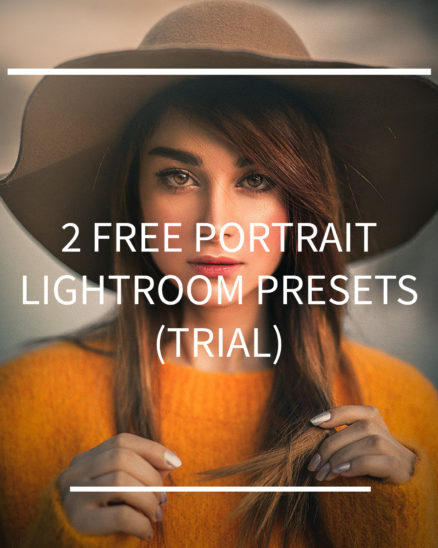
Free Lightroom Presets for Portraits

$0.00

  • Edit portrait images easily and quickly on your smartphone.
  • The Lightroom CC App required to use this package is FREE and available for iOS and Android
  • The presets are easy to use. With one click, your photos are instantly edited.

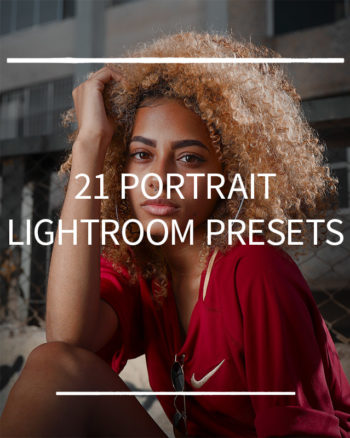
All 21 Lightroom Presets for Portraits can be found HERE

To start the free download, first put the item ‘in the shopping cart’ and then check out.

Sofortdownload nach erfolgreicher Zahlung · einmal kaufen · kein Abo

SofortdownloadNach erfolgreicher Zahlung
Digitales PaketDirekt in deinen Workflow
Kein AboEinmal kaufen

Description

Install Lightroom Presets:

  1. After the purchase you will see the download link on the confirmation page and you will receive an E-Mail with another download link.
  2. Unpack the Zip file
  3. Import the .DNG files into Lightroom Mobile
  4. Open each .DNG file and go to Settings == > Create Preset == > Safe as Preset
  5. Apply presets to your photos and customize white balance, light and colors to your own taste.

Still not sure how to install the presets? A step-by-step description you can find HEREor in this VIDEO. In addition, the most common questions can also be found in the FAQs.