Lightroom Preset Paket
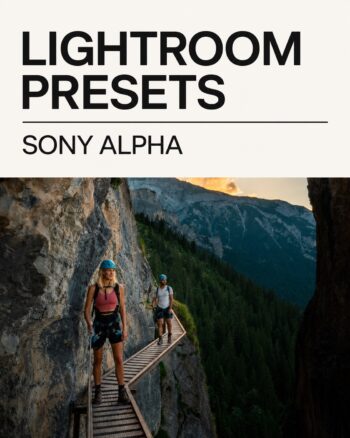
Sony Alpha Presets (22)
Original price was: $29.90.$14.90Current price is: $14.90.
Total price · no VAT shown under the German small-business regulation · no shipping costs
Twenty-two Lightroom presets from a Sony Alpha RAW workflow. Fast starting looks for travel, landscape, city and lifestyle photographs, ready for precise adjustment to camera and light.
About this preset pack
A faster route to a consistent look
Twenty-two Lightroom presets from a Sony Alpha RAW workflow. Fast starting looks for travel, landscape, city and lifestyle photographs, ready for precise adjustment to camera and light.
What is included?
- 22 presets from a Sony Alpha workflow
- Suitable for RAW and JPEG photographs
- Instant download after successful payment
- Installation video and FAQ help
What is this pack for?
For Sony Alpha and other cameras when travel, landscape and lifestyle photographs need to become a consistent series efficiently.
Why presets by Marc Bächtold?
The looks are based on Marc’s own photography and travel workflow. They are a reliable starting point rather than rigid automation: exposure, white balance and intensity remain adjustable for every image.
Where can I install the presets?
Lightroom Mobile, Lightroom CC and Lightroom Classic on phone, tablet, Mac and Windows.
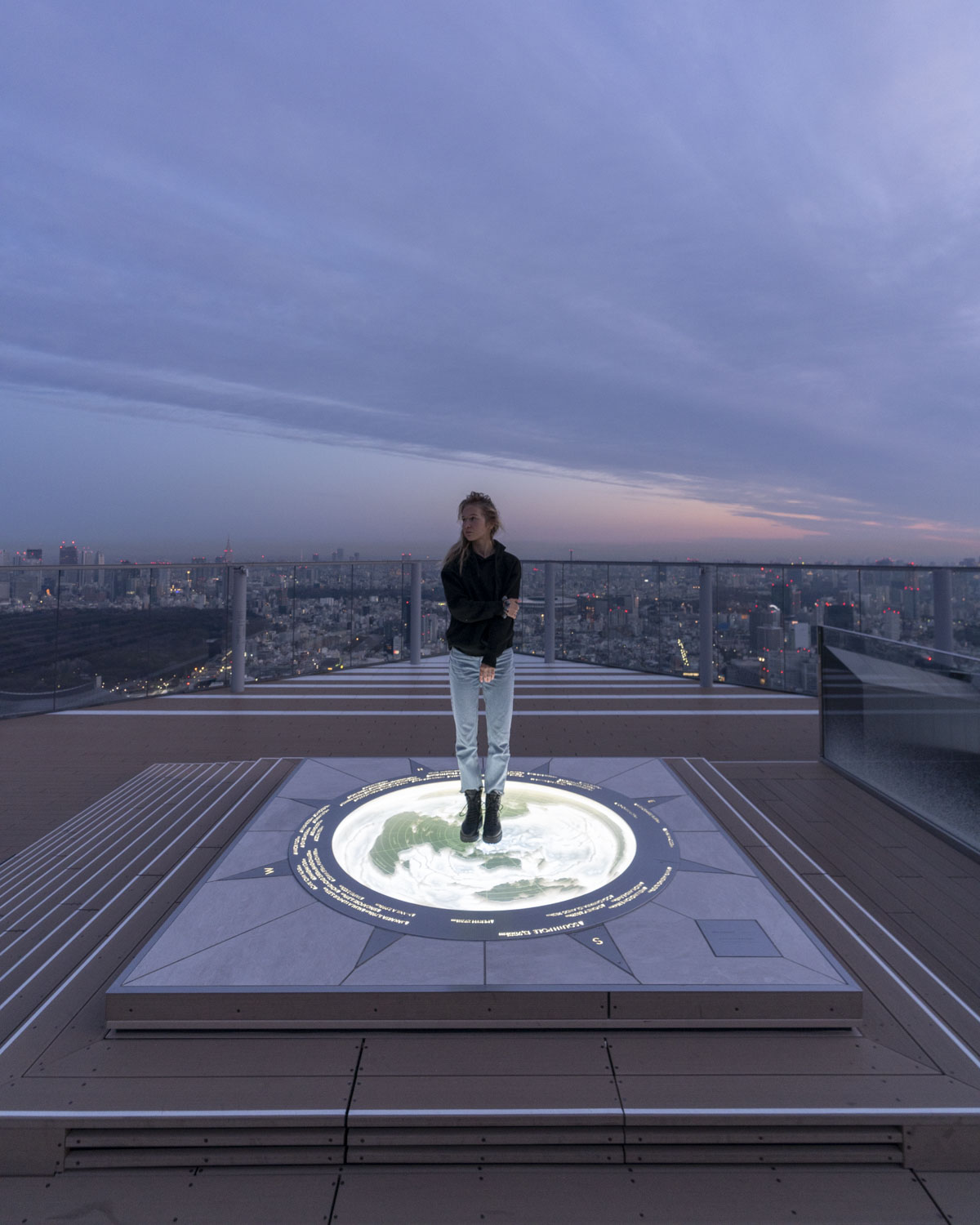
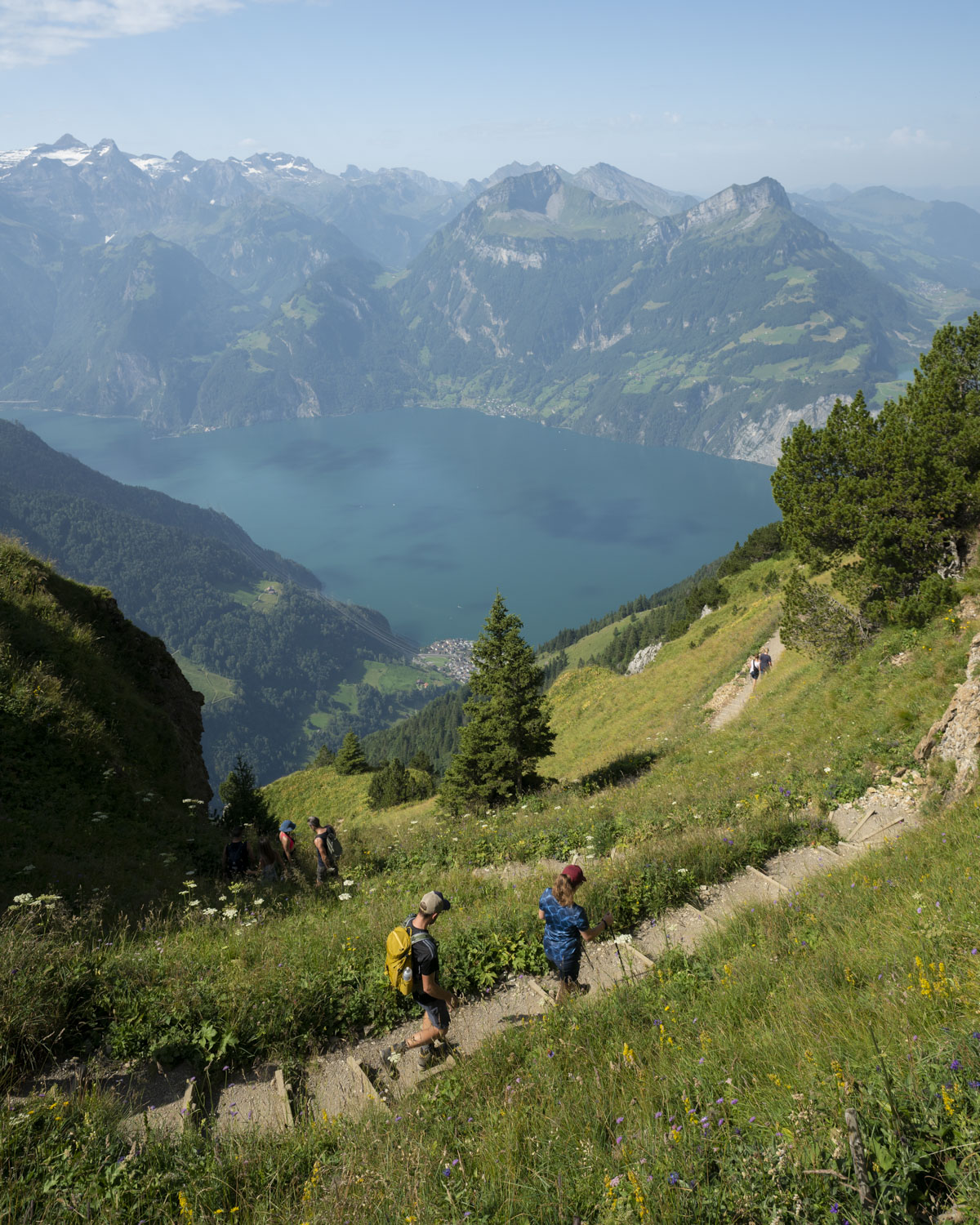
Before / After
See how the presets change the look






Installation
Ready in a few minutes
- Open the download link after checkout and extract the ZIP file.
- Import the preset files into the appropriate Lightroom version.
- Apply the preset and adjust exposure and white balance for the photograph.
Frequently asked questions
Before you download
Does a preset replace individual editing?
No. A preset provides a fast starting look. Exposure, white balance and intensity should still be adjusted to the camera, light and subject.
When will I receive the download?
The download is available after successful payment. You will also receive the link by email.
Do the presets look the same on every photograph?
Results depend on the source image, light, camera and white balance. The examples show typical use; small adjustments are part of a clean workflow.
Where can I get installation help?
Nutze die verlinkte Step-by-step guide, das Installation video oder die ausführliche Preset FAQ.